Cloudflare One Client
A cybersecurity project exploring Cloudflare One Client and Zero Trust security across Windows, mobile, and Linux endpoints for secure connectivity and policy-based protection.
Introduction
This project demonstrates the setup and use of Cloudflare One Client with Cloudflare Zero Trust to secure a Windows endpoint and route network traffic through Cloudflare's security infrastructure.
The project focuses on configuring the Cloudflare One Client, enrolling the Windows device into a Zero Trust organization, establishing the secure connection, and verifying that the endpoint is communicating through the Cloudflare network.
Cloudflare One Client, formerly known as WARP, provides the client-side connection to Cloudflare Zero Trust and can be used with Gateway security controls for DNS, network, and HTTP traffic filtering.
Objectives
- Configure Cloudflare Zero Trust for a Windows endpoint.
- Install and configure the Cloudflare One Client.
- Enroll the Windows device into the Zero Trust organization.
- Establish a secure connection through the Cloudflare network.
- Configure endpoint connectivity and client settings.
- Verify the device registration and connection status.
- Understand how Cloudflare One Client can be used as part of an endpoint security architecture.
Environment
The project was performed using:
- Operating System: Windows
- Cloudflare Zero Trust
- Cloudflare One Client
- Cloudflare Gateway
- Cloudflare One Client VPN/tunnel
- Cloudflare Zero Trust device enrollment
Cloudflare One Client is available across multiple endpoint platforms, including:
- Windows
- macOS
- iOS
- Android
- Linux
For this project, the implementation was performed on a Windows endpoint. However, the same Cloudflare One Client concept can also be deployed on mobile devices such as iPhones, iPads, and Android smartphones/tablets, allowing organizations to extend Zero Trust security controls beyond traditional computers.
Cloudflare Zero Trust Configuration
The first step was preparing the Cloudflare Zero Trust environment.
The Zero Trust configuration provides the organization and authentication framework required for devices to enroll and connect to the Cloudflare network.
The device enrollment configuration determines which users are permitted to register devices. Cloudflare provides device enrollment policies under:
Zero Trust → Team & Resources → Devices → Device profiles → Management
From there, enrollment permissions and authentication methods can be configured.
Cloudflare One Client Installation
The Cloudflare One Client was installed on the Windows endpoint using the current stable client release.
After installation, the client was launched and configured for Zero Trust security rather than consumer WARP usage.
The current enrollment process is:
- Install the Cloudflare One Client.
- Launch the client.
- Select Zero Trust security.
- Enter the Cloudflare Zero Trust team name.
- Complete the required authentication.
- Open the Cloudflare One Client after successful registration.
Device Enrollment
After entering the organization/team name, the Windows endpoint was authenticated and registered with the Cloudflare Zero Trust organization.
Once enrollment was completed, the device became visible within the Zero Trust dashboard.
This allows the device to be managed through Cloudflare Zero Trust and associated with the organization's device policies.
Client Configuration
The Cloudflare One Client was then configured to establish the desired network connection and security behavior.
Cloudflare provides global device client settings as well as device profiles, allowing administrators to apply different configurations to different groups of devices.
The configuration was used to maintain the endpoint's connection to the Cloudflare network while allowing Zero Trust security controls to be applied.
Connection Verification
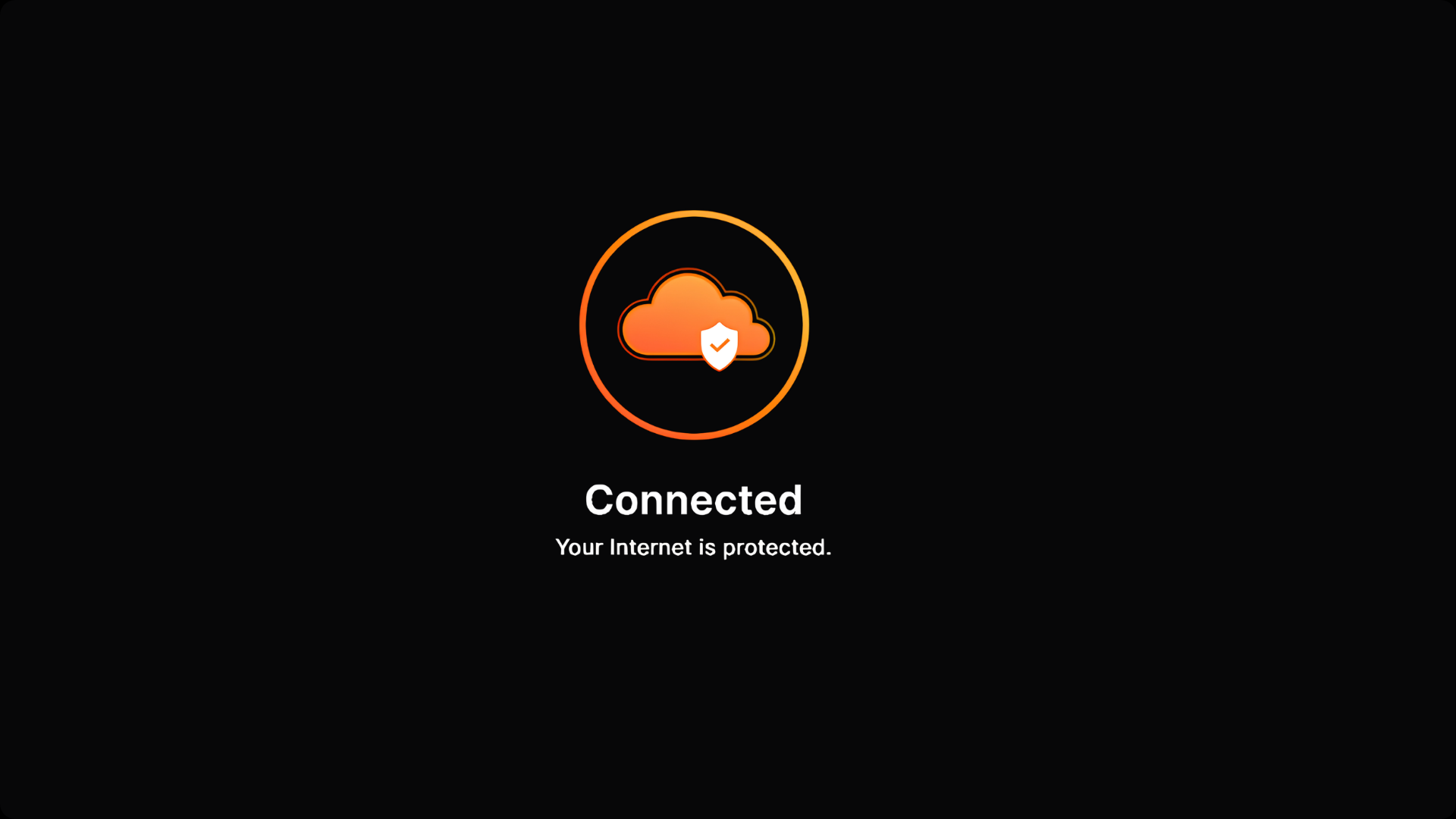
After configuration, the client connection was verified from the Windows endpoint.
The verification process included checking:
- Cloudflare One Client connection status
- Device enrollment status
- Zero Trust device registration
- Network connectivity
- Cloudflare Gateway communication
The purpose of the verification was to confirm that the Windows endpoint was successfully registered and operating through the configured Cloudflare Zero Trust environment.
Security Architecture
The resulting architecture can be summarized as:
Windows Endpoint
       │
       │
Cloudflare One Client
       │
       │
Secure Tunnel
       │
       ▼
Cloudflare Network
       │
       ▼
Cloudflare Gateway
       │
       ▼
Internet / Protected Resources
This separates the endpoint connection from directly relying on the local network for security filtering and allows Cloudflare Zero Trust policies to be applied to the enrolled device.
Security Controls
The project provided practical experience with:
- Zero Trust device enrollment
- Endpoint VPN connectivity
- Cloudflare Gateway
- DNS and network security controls
- Device profiles
- Authentication
- Endpoint traffic protection
- Cloud-based security policy enforcement
Cloudflare's default Traffic and DNS mode can provide DNS filtering, network filtering, and HTTP filtering capabilities depending on the configured Zero Trust policies.
Results
The Windows endpoint was successfully configured with Cloudflare One Client and enrolled into the Cloudflare Zero Trust environment.
The project demonstrated how an endpoint can establish a controlled connection to Cloudflare and become part of a centralized Zero Trust security environment.
Lessons Learned
This project provided practical experience with:
- Deploying Cloudflare One Client on Windows
- Configuring Cloudflare Zero Trust
- Device enrollment and authentication
- Managing endpoint connectivity
- Understanding Cloudflare Gateway
- Applying centralized security controls to an endpoint
- Troubleshooting client connectivity and registration
Conclusion
This project demonstrated the implementation of Cloudflare One Client and Cloudflare Zero Trust on a Windows endpoint.
Rather than treating the VPN simply as a method of connecting to a remote network, the project focused on using the Cloudflare client as part of a broader Zero Trust security architecture where the endpoint can be enrolled, authenticated, monitored, and controlled through centralized policies.